EasyBrick guides

Practical EasyBrick guides for online gambling, betting sites, screen time, social media, and family protection.

iPhone with DNS protection shield blocking gambling website icons in a calm evening setting

Gambling protection

How to block gambling websites on iPhone

Block gambling websites on iPhone with DNS filtering, app limits, Safari restrictions, and a relapse-safe routine that removes access during high-risk hours.
MacBook with browser-level gambling site filter active showing blocked tabs with lock icons

Gambling protection

How to block gambling sites on Mac

Set up Mac website blocking with DNS-level protection, browser controls, schedules, and accountability for late-night urges.
Living room sports viewing setup with betting apps blocked on phone enjoying the match without gambling

Gambling protection

How to block sports betting apps

Block sports betting apps with device rules, DNS protection, payment friction, and scheduled high-risk match windows.
Laptop with crypto casino sites blocked by a digital firewall with hardware wallet on desk for safe finance

Gambling protection

How to block crypto casino sites

Crypto casino blocking requires domain blocking, browser controls, wallet friction, and relapse planning because access is fast and global.
Visual comparison between self-exclusion program and website blocker app showing two protection methods

Gambling protection

Self-exclusion vs website blocker

Self-exclusion and website blockers solve different parts of gambling control; using both creates stronger coverage.
Person scrolling phone at 3 AM showing connection between screen time habits and gambling addiction

Gambling protection

Gambling addiction and screen time

Online gambling often grows inside screen-time habits: late scrolling, betting ads, sports apps, and instant payment loops.
Productive desk setup with TikTok blocked during work hours laptop and focus mode phone visible

Screen time

How to block TikTok during work

Block TikTok during work with scheduled rules, browser coverage, phone limits, and a workday replacement plan.
Phone placed in charging box on nightstand as part of healthy sleep routine to stop doomscrolling

Screen time

How to stop doomscrolling at night

Stop doomscrolling at night by removing phone access from the bedroom, blocking feeds, and making sleep the default option.
Artist painting on canvas with YouTube Shorts blocked on phone in background choosing creativity over scrolling

Screen time

How to block YouTube Shorts

Block YouTube Shorts by combining app limits, browser blocking, scheduled access, and feed-free alternatives.
Friends laughing together at cafe with phones stacked face-down choosing real connection over Instagram Reels

Screen time

How to block Instagram Reels

Instagram Reels are hard to moderate with willpower; use scheduled blocks, notification silence, and replacement cues.
Phone resting on zen garden surface with notifications dissolving into peaceful particles digital silence

Screen time

How to stop notification addiction

Notification addiction is a cue loop; reduce it by silencing triggers, batching checks, and blocking apps during focus windows.
Family dinner table with phones stored in basket creating a phone-free zone for quality family time

Family protection

How to create a family media plan

A family media plan turns screen rules into visible routines: where phones sleep, when apps are blocked, and what happens after limits.
Technical comparison between DNS network-level blocker and app-level blocker showing coverage differences

Blocking tools

DNS website blocker vs app blocker

DNS blockers and app blockers cover different loopholes; the right setup depends on whether the problem is websites, apps, or both.
Person reading a book on forest bench with phone stored away natural dopamine reset through outdoor activity

Screen time

Dopamine detox vs app blocker

A dopamine detox is a reset idea; an app blocker is the practical guardrail that makes the reset easier to keep.
Chrome browser with gambling sites blocked by extension and DNS filter

Gambling protection

How to block gambling sites on Chrome

Block gambling websites on Google Chrome using extensions, managed policies, DNS filtering, and scheduled protection that covers incognito mode.
Safari browser with Content Restrictions blocking gambling websites on Mac

Gambling protection

How to block gambling sites on Safari

Safari gambling blocking uses Screen Time, Content Restrictions, DNS profiles, and scheduled rules to close loopholes that single-method blocks leave open.
Unique EasyBrick guide illustration for How to block gambling sites on Firefox

Gambling protection

How to block gambling sites on Firefox

Firefox supports add-on blocking, DNS over HTTPS configuration, and managed policies that block gambling domains across normal and private browsing.
Home router with network-wide gambling site blocking protecting all connected devices

Gambling protection

How to block gambling sites on your router

Router-level gambling blocking protects every device on your network without installing software on each one — covering phones, tablets, smart TVs, and guests.
Unique EasyBrick guide illustration for How to block DraftKings on your phone

Gambling protection

How to block DraftKings on your phone

Block DraftKings access by removing the app, blocking the domain, disabling notifications, and adding payment friction during high-risk sports events.
Unique EasyBrick guide illustration for How to block FanDuel on your phone

Gambling protection

How to block FanDuel on your phone

Remove FanDuel access by uninstalling, blocking the domain across browsers, silencing promotional notifications, and scheduling protection during game nights.
Phone with Bet365 access blocked across app and browser

Gambling protection

How to block Bet365 on your phone

Bet365 uses mobile apps, browser access, and aggressive notifications — blocking it requires app removal, domain blocking, DNS filtering, and notification silence together.
iPhone with social media apps blocked showing clean organized home screen

Screen time

How to block social media on iPhone

Block social media on iPhone using Screen Time, DNS profiles, scheduled restrictions, notification silence, and home screen reorganization for less trigger exposure.
Android phone with social media apps locked using Digital Wellbeing timers

Screen time

How to block social media on Android

Android social media blocking combines Digital Wellbeing timers, app lock tools, DNS filtering, notification management, and launcher customization.
Clean work desk with Reddit blocked on laptop during focus session

Focus work

How to block Reddit during work hours

Block Reddit during working hours with scheduled rules that cover the app, browser, and new tab shortcuts without permanently deleting your account.
Unique EasyBrick guide illustration for How to block X (Twitter) during work hours

Focus work

How to block X (Twitter) during work hours

Block X during work with scheduled domain blocking, notification silence, and feed removal — keeping DMs accessible if needed for professional contacts.
Phone screen with casino advertisements caught and filtered before reaching the user

Gambling protection

How to block online casino ads

Casino ads appear through social media, display networks, YouTube pre-rolls, and email — blocking them requires ad blockers, category filters, and email unsubscription.
Shopping app notifications blocked with piggy bank and savings growing beside phone

Screen time

How to stop impulse buying on your phone

Impulse buying on phones exploits one-click payments, push notifications, and dopamine-driven shopping loops — block shopping apps during vulnerable hours to break the cycle.
Person in calm setting with news apps blocked and anxiety-free peaceful environment

Screen time

How to block news apps to reduce anxiety

Constant news feeds drive anxiety spirals — scheduled news access windows with automatic blocking protect mental health without disconnecting from important events.
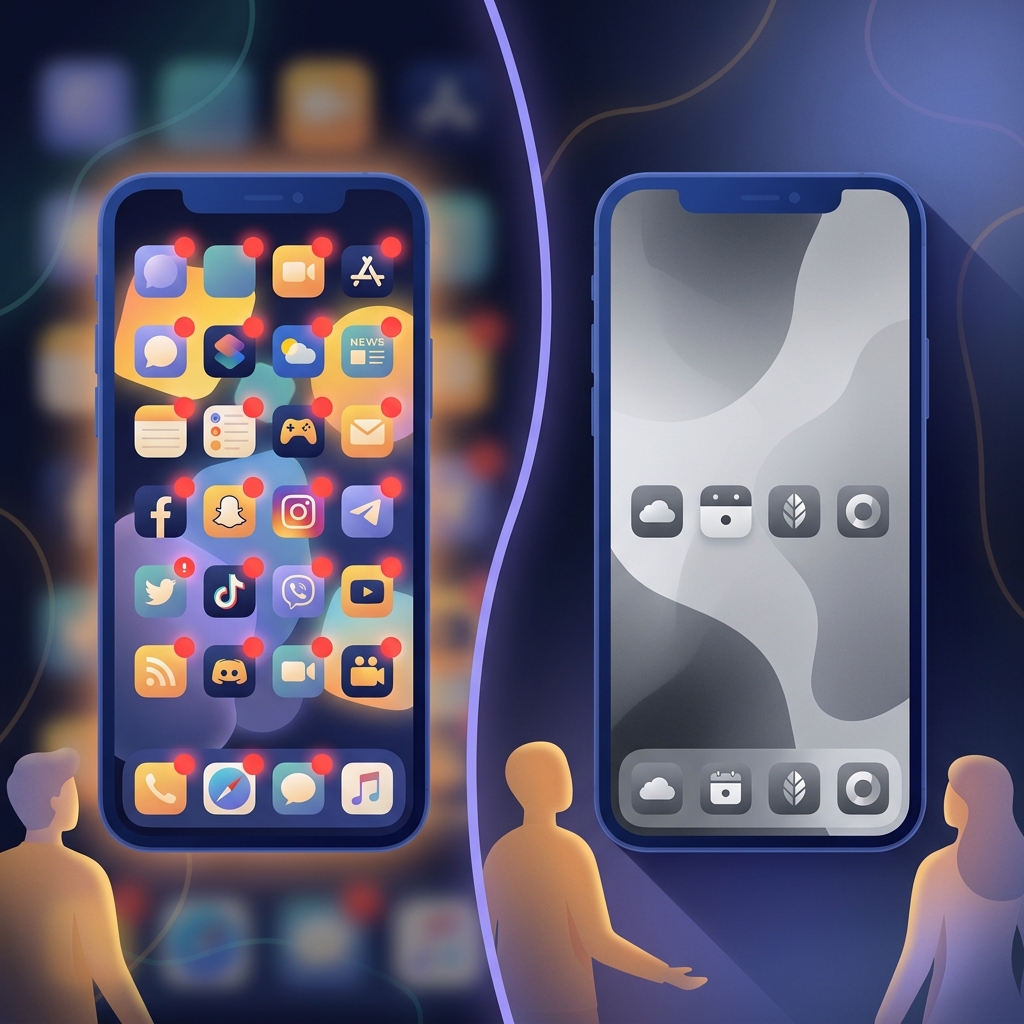
Phone in grayscale mode showing reduced visual appeal compared to colorful version

Screen time

Does grayscale mode reduce phone addiction?

Grayscale mode removes color dopamine cues from your phone — studies show it reduces average usage by 37 minutes per day when combined with app restrictions.
30-day recovery calendar with milestones marked and phone locked in supportive environment

Gambling protection

Gambling recovery: your first 30 days plan

The first 30 days of gambling recovery require access removal, trigger mapping, financial triage, support activation, and daily replacement routines.
Desktop blocker compared with cross-platform mobile blocker side by side

Blocking tools

Cold Turkey vs EasyBrick: which blocker to choose?

Cold Turkey specializes in unbreakable desktop blocking, while EasyBrick provides cross-platform protection with gambling-specific features — the right choice depends on your primary device.
Collection of free app blocker tools with feature ratings and free tier indicators

Blocking tools

Best free app blockers in 2026

Free app blockers help you start without cost — but free plans typically limit scheduling, device coverage, and bypass resistance compared to paid options.
Parent and child with phone showing parental control dashboard and safety features

Family protection

Best parental control apps in 2026

The best parental control apps in 2026 balance monitoring with trust — offering content filtering, screen time limits, location tracking, and age-appropriate app access.
Data dashboard showing gambling addiction statistics with trend lines and global map

Gambling protection

Online gambling addiction statistics 2026

The global online gambling market will reach $153.6 billion by 2030. An estimated 2-3% of adults show problem gambling behaviors — here are the latest numbers.
Infographic showing social media usage statistics with addiction rate percentages

Screen time

Social media addiction statistics 2026

Average social media usage is 2 hours 24 minutes daily in 2026. Hundreds of millions of people worldwide show signs of problematic social media use.
Person recognizing phone addiction signs with checklist of behavioral warning indicators

Screen time

12 signs you are addicted to your phone

Phone addiction manifests as phantom vibrations, sleep disruption, inability to be bored, relationship friction, and anxiety when separated from the device.